GUI for Embedded
- elegant
- modern
- stylish
- native
- elegant








Material
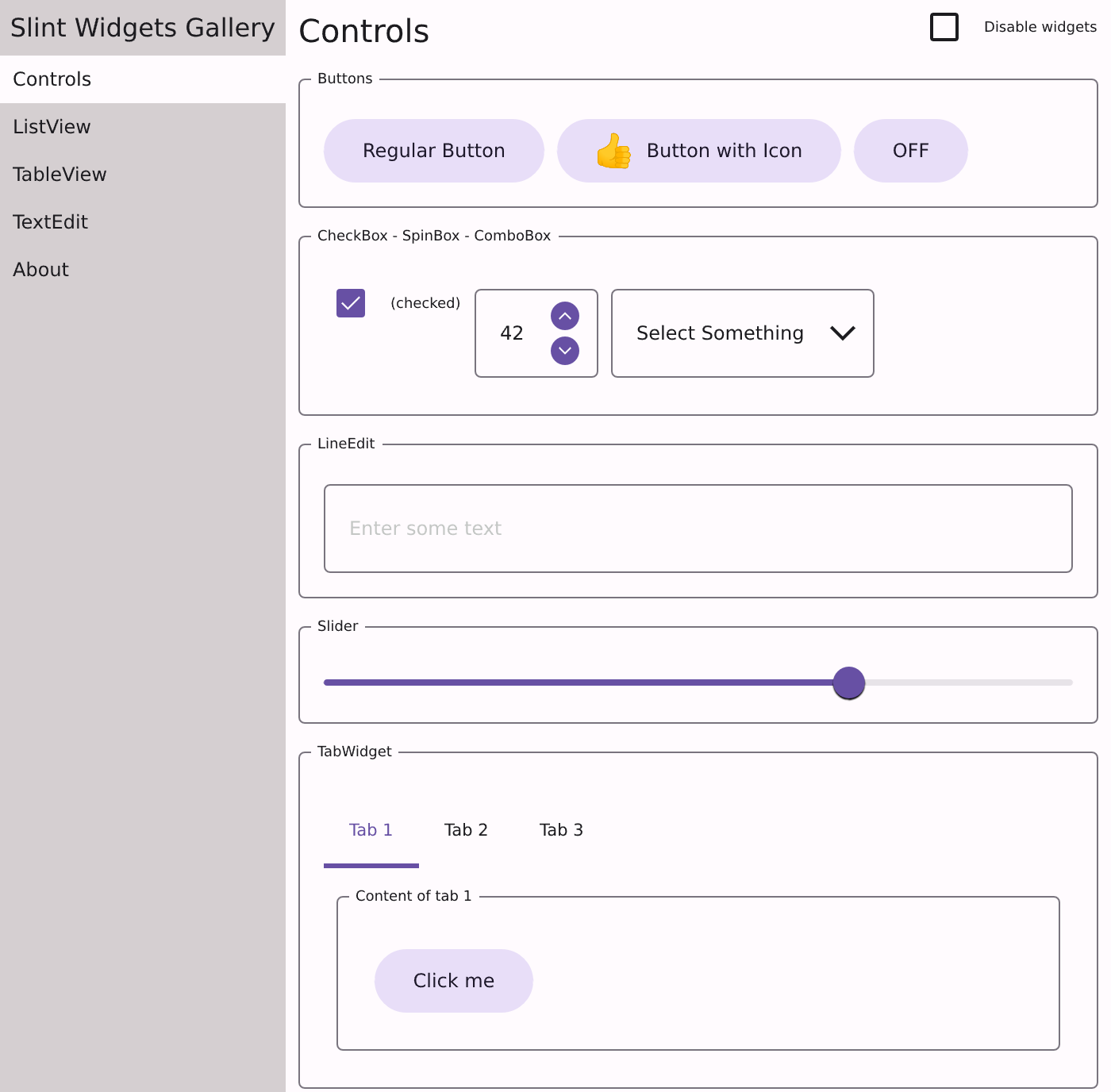
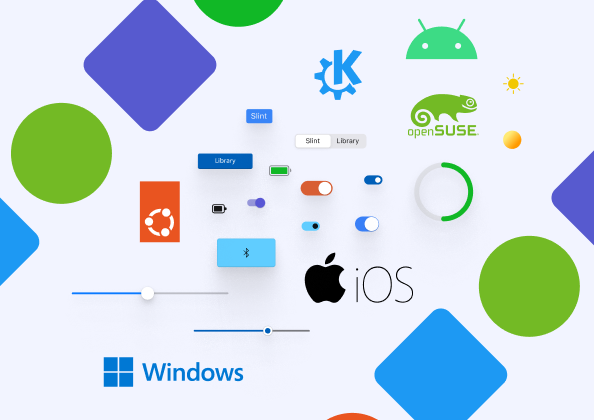
The Material style is based on the Material 3, the latest version of the Material Design system built and supported by Google designers and developers. Slint built-in widgets can automatically adapt to the system’s dark or light color setting. The system setting can be overriden by programmatically selecting the light or dark variant.
Fluent
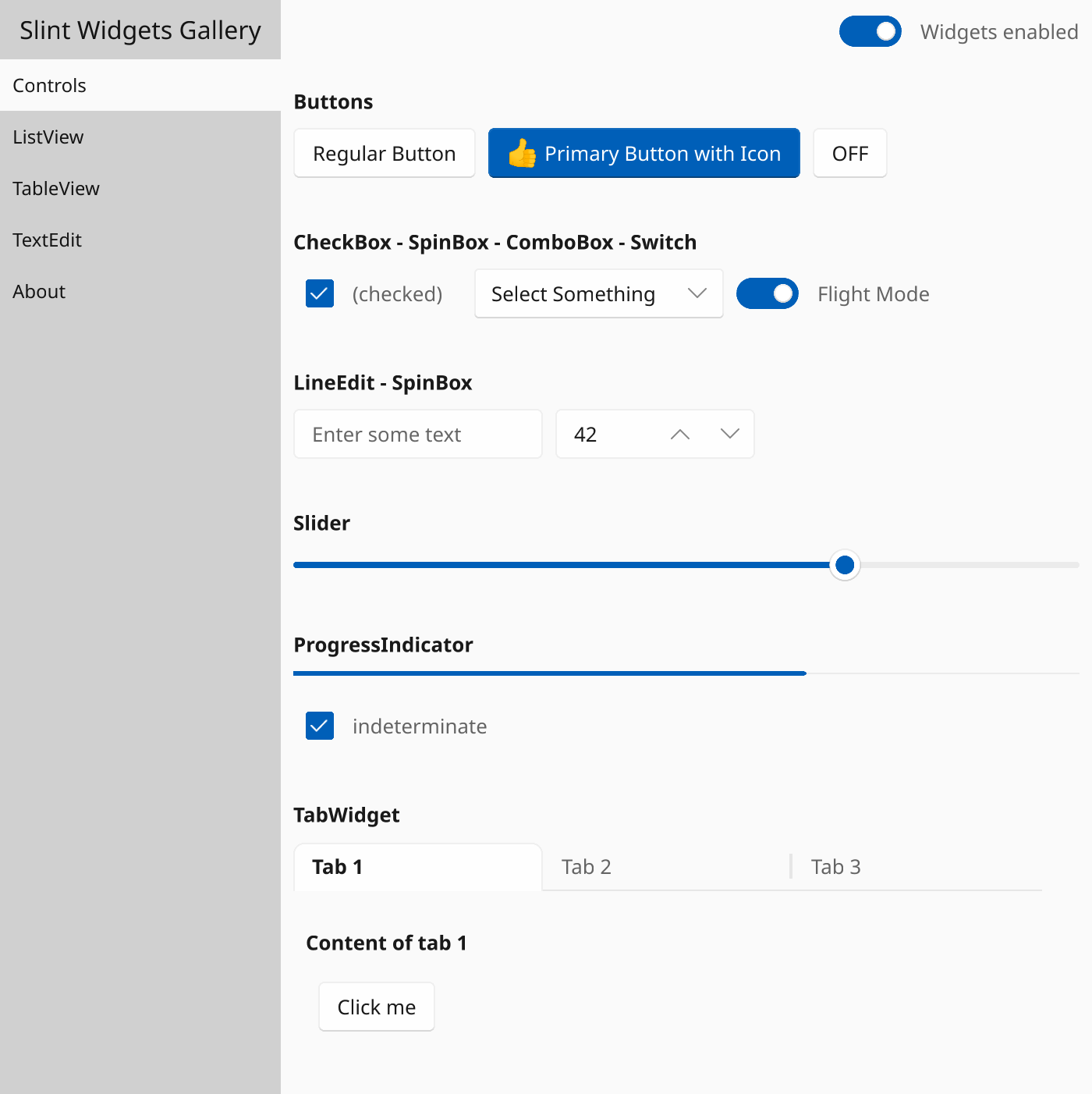
The Fluent style is based on the Fluent 2, the latest release of the Fluent Design System,a design language developed by Microsoft. Slint built-in widgets can automatically adapt to the system’s dark or light color setting. The system setting can be overriden by programmatically selecting the light or dark variant.
Create Custom Styles
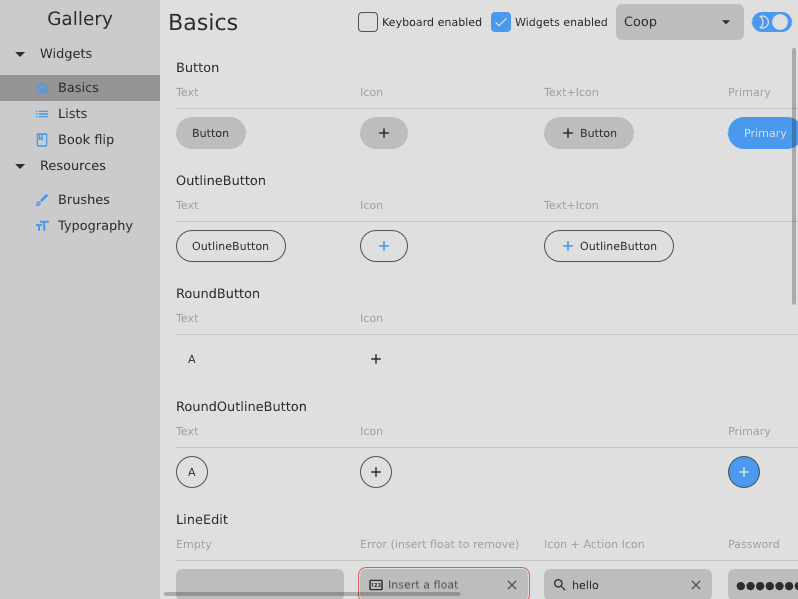
With Slint, you can create your own custom styles for your application. Slint documentation provides examples on how to implement custom controls. You can also take inspiration from some of the custom styles implemented by the Slint community listed on the #MadeWithSlint website.
Default Widget Set
Button, CheckBox, ComboBox, GridBox, GroupBox, SpinBox and many more widgets can be readily used from the default widget set in Slint. Along with one of the pre-configured styles or with your custome style, you can easily achieve the right look n' feel for your application.
Extend, Build your own Widgets
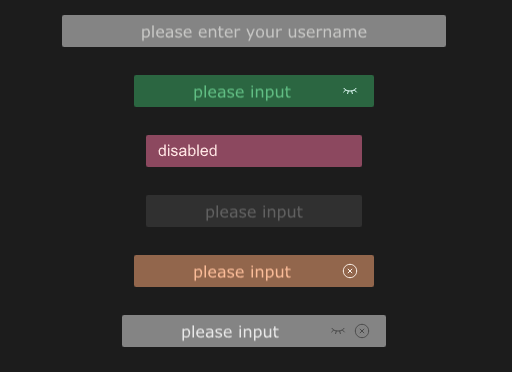
Are you missing widget in the default widget set? Maybe you want to alter an existing widget to fit your needs? With Slint, you can customize existing widgets or build up completely new ones.
Multiple Rendering Options
Slint offers multiple rendering options, suhc as GPU accelerated, DMA2D, Framebuffer, or Linebuffer. Select one that is the best fit for your target embedded device.
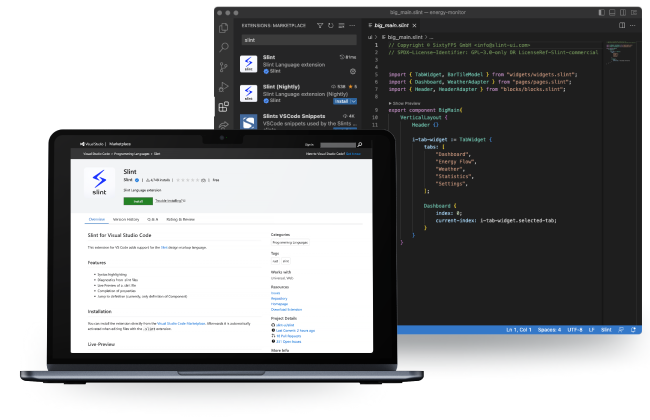
Any Host Platform
Develop your application on any host platform - Windows, macOS, or Linux. Slint is cross-platform and can be integrated with multiple code editors and IDEs.
From MCUs to MPUs
From resource constrained embedded devices, such as Microcontrollers (MCUs) with Arm Cortex-M0, to powerful embedded devices, such as Microprocessors (MPUs) with quad-core Arm Cortex-A53, you can run Slint applications anywhere. The Slint runtime fits in less than 300KiB RAM, features a reactive property system, and is built with Rust.
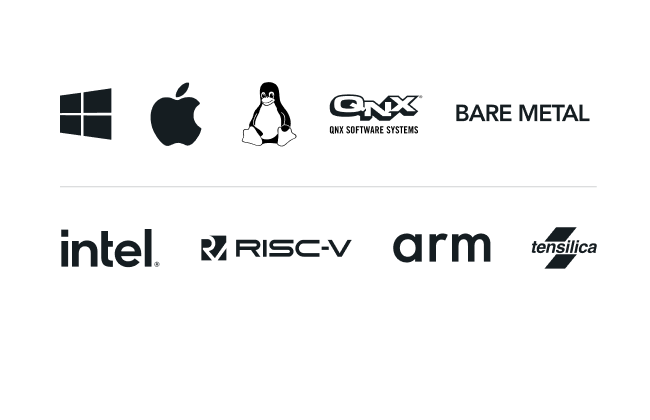
Embedded Linux

Build single screen apps or multiple apps that require a window compositor. Slint supports Linux's KMI/DRI infrastructure that improves startup time and simplifies the system setup. Slint also supports Wayland and X11 to build multiple apps that require a windowing system or compositor. With meta-slint Yocto layer, you can build your linux SDK that contains Slint.
RTOS and Baremetal
Slint runtime is independent of operating sytems and Slint applications can run directly on the embedded device without any operating system (baremetal). For time critical applications, Slint runtime can be integrated with RTOSs such as QNX, FreeRTOS, Zephyr.